Prepare the workflow.
Discuss material handling, feeding, press compatibility, printing both sides and the requirements of your specific job.


TECHNICAL SUPPORT
Practical support for printers, converters and CAMIPRI users. Work with our technical specialists to explore the material, prepare a print workflow or resolve a production question.
WORK WITH OUR TECHNICAL SPECIALISTS
Book a demo to discuss your application and explore how CAMIPRI can fit your production. Bring your press details, intended format and finishing requirements so we can focus the session on your work.
Tell us your preferred timing. Our team will confirm the demo format, availability and appointment with you.
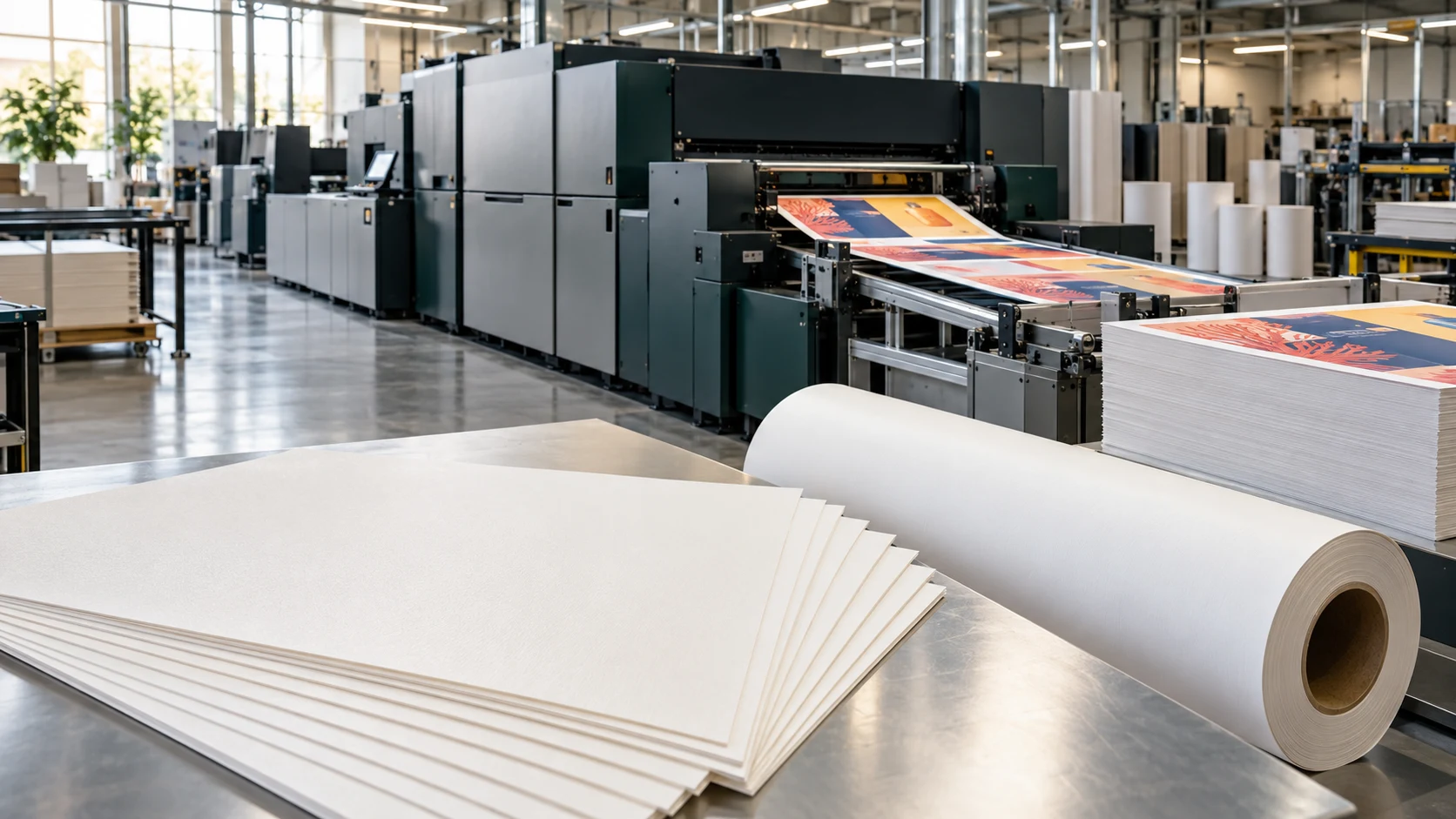
SUPPORT FOR YOUR DAILY PRODUCTION
Discuss material handling, feeding, press compatibility, printing both sides and the requirements of your specific job.
Explore print adhesion, drying or curing, cutting, creasing, folding and other finishing steps with our technical team.
Share the product grade, press model, settings and a clear description of the issue. Photographs or printed samples help us understand what is happening.
TECHNICAL DATA
For technical specifications, refer to the product’s technical datasheet in our Download Centre.
Use the datasheet for material construction, thickness, formats and printing-process information. If your datasheet is not yet listed, request it from our team through the Download Centre.
View technical datasheetsBOOK A DEMO
Tell our technical specialists what you would like to explore. We will contact you to agree the scope, format and timing of your demo.
This form prepares an email request. Your appointment is confirmed separately by our team.
Looking for a quick answer? Browse frequently asked questions →